
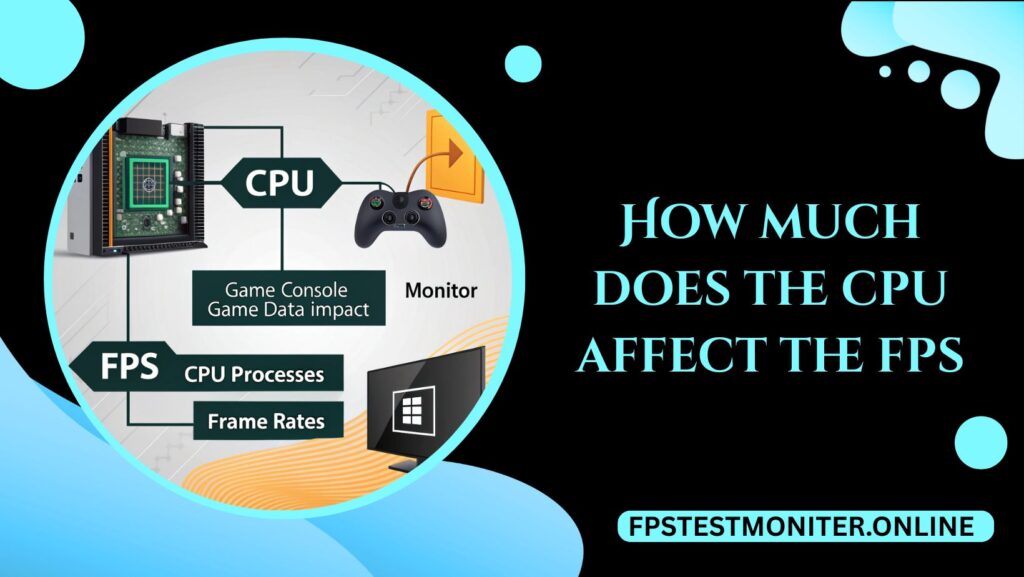
A discussion about performance would typically begin with the graphics card when gamers are discussing performance. However, the CPU is also very crucial in the feel of a smoother game.
The number of frames per second (FPS) does not necessarily entail the power of your graphics card; the processing unit holding it may impose serious performance constraints.
It is time to decompose the extent to which the CPU does influence the FPS, whether it is important, and what to pay attention to when selecting one.
What FPS Really Represents
FPS measures how many frames your system can render in one second. A higher FPS usually means smoother gameplay and better responsiveness. While the GPU handles most of the graphical work, the CPU is responsible for tasks like:
- Running the game engine and physics
- Calculating AI behavior
- Managing background processes
- Feeding instructions to the GPU
If your CPU cannot keep up, your GPU may sit idle waiting for new instructions. That situation is known as a CPU bottleneck.
When The CPU Matters More Than The GPU
Not all games stress the CPU in the same way. The difference often depends on the type of game and the target frame rate.
Competitive Games and High FPS Targets
Fast-paced shooters like CS2, Valorant, or Fortnite often rely heavily on the CPU when pushing for high frame rates (144 FPS, 240 FPS, or even higher).
These games require quick calculations for player movement, hit registration, and server updates. A weaker CPU can limit performance even with a strong GPU.
Open-World and Simulation Games
Games like GTA V, Cities: Skylines, or Microsoft Flight Simulator lean on the CPU to track AI, physics, and world simulation. These titles often show large gains when upgrading the processor because they involve thousands of calculations running at once.
Lower Resolutions and Settings
If you game at 1080p or use lower graphic settings, the GPU workload decreases. That shifts more responsibility onto the CPU, making processor performance more critical. At higher resolutions like 4K, the GPU tends to become the main bottleneck instead.
How CPU Specs Affect FPS
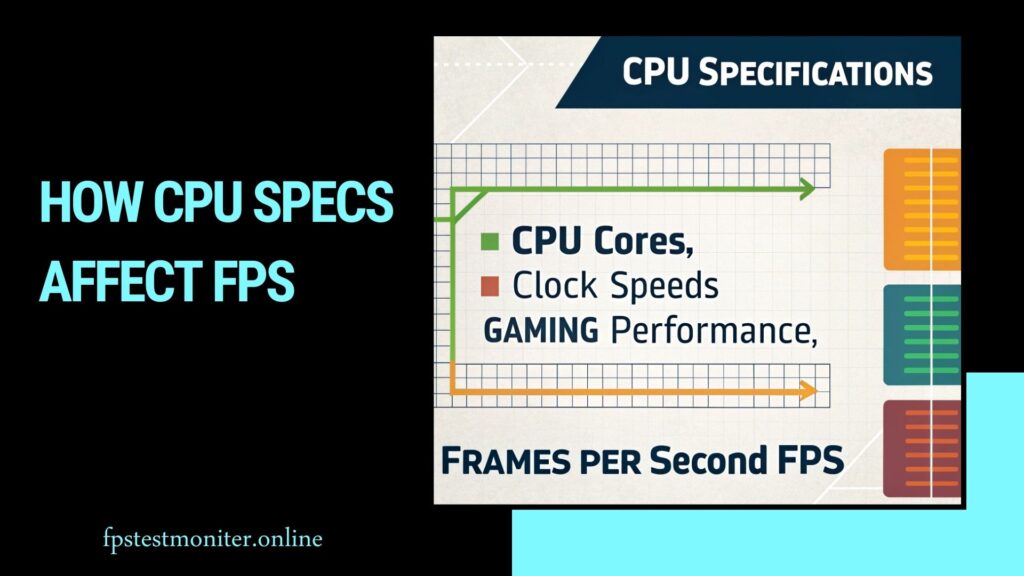
Understanding which CPU specifications matter most helps explain how FPS is impacted.
Core Count and Threading
Modern games can use multiple cores, but most still favor strong single-core performance. A six-core or eight-core CPU is usually enough for gaming today.
Beyond that, more cores tend to help with multitasking, streaming, or heavy background processes rather than pure FPS gains.
Clock Speed
A higher clock speed often leads to better frame rates, especially in CPU-bound games. A processor that can sustain higher boost clocks delivers faster instructions to the GPU, reducing latency and improving smoothness.
Cache Size
Larger caches allow the CPU to store and access data quickly. This can reduce the time spent fetching information, which benefits frame consistency in certain games.
Architecture and Efficiency
Two CPUs with the same number of cores and clock speed can still perform differently. Newer architectures usually improve instructions per cycle (IPC), meaning they do more work in the same amount of time. This is why a modern mid-range CPU can outperform an older high-end one.
Real-World Examples
To put theory into perspective, consider these scenarios:
High-end GPU + Budget CPU
Pairing a RTX 4080 with a budget quad-core processor may result in underwhelming FPS because the CPU cannot keep up with the GPU’s rendering potential.
Balanced System
A mid-range CPU like the Ryzen 5 7600 or Intel Core i5-13600K combined with a strong GPU will provide excellent FPS in both competitive and single-player titles without major bottlenecks.
Older CPU + New Games
Even if you own a powerful GPU, using a five-year-old CPU may hold you back in modern open-world titles that demand high-thread performance.
CPU Bottleneck vs. GPU Bottleneck
Understanding bottlenecks helps set realistic expectations.
- CPU Bottleneck: The processor limits frame rates, often visible in games where GPU usage remains low despite high system demand.
- GPU Bottleneck: The graphics card limits performance, which is more common at higher resolutions or when enabling demanding visual effects.
In most gaming scenarios, both components share the workload. The goal is balance—ensuring neither part is significantly weaker than the other.
Does Upgrading The CPU Always Improve FPS?
Not always. The actual impact depends on your system:
- If you already own a capable mid-range CPU, upgrading to a flagship model may bring only modest FPS improvements, especially in GPU-heavy games.
- If your CPU is several generations old, even a mid-tier modern processor can unlock big performance gains.
- For gamers targeting 60–100 FPS at high resolutions, the GPU usually plays a larger role. For those aiming at 144–240 FPS in competitive shooters, the CPU upgrade can make a noticeable difference.
Tips For Choosing A CPU For Gaming
When considering how much the CPU affects FPS, here are practical points to keep in mind:
- Balance with Your GPU: Don’t overspend on one component while neglecting the other.
- Think About Your Games: Competitive titles reward faster CPUs, while cinematic single-player experiences lean more on GPUs.
- Plan for the Future: Choose a CPU that won’t become obsolete in a year or two, especially if you upgrade GPUs regularly.
- Consider Background Tasks: If you stream, edit video, or run heavy applications while gaming, extra cores and threads matter.
Is FreeSync Worth It?
A guide on FreeSync technology and if it’s the right choice for your setup.
Make Fortnite Faster on PC
Practical tips to boost FPS and smooth gameplay on your computer.
Best Refresh Rate for Gaming
Learn what refresh rate works best for competitive and casual gaming.
How Many Hz Can the Human Eye See?
Explore the science of vision and refresh rates for gaming displays.
Frame Rate vs Refresh Rate
Understand the difference and why both matter for smooth visuals.
🔹 Wrapping Up: CPU Impact on FPS
The CPU plays a key role in game performance, but how much it affects FPS depends on your playstyle, resolution, and system balance.
For most players, a modern six- to eight-core CPU with strong single-core performance is more than enough for smooth gameplay.
Competitive gamers who chase high refresh rates and simulation enthusiasts will see bigger gains from a faster CPU, while 4K players often benefit more from a GPU upgrade.
To sum it up: your CPU can either limit or enhance FPS, but the best results come from pairing it wisely with your graphics card and your gaming goals.
Frequently Asked Questions
Q1. Can a CPU limit FPS even with a powerful GPU?
Yes. If your CPU cannot process game logic and instructions fast enough, your GPU will not be fully used. This is known as a CPU bottleneck and it often happens in competitive or simulation-heavy games.
Q2. How many CPU cores are enough for gaming?
For most modern games, 6 cores with good single-core performance are more than enough. An 8-core CPU can provide extra headroom for multitasking, while higher core counts are mainly useful for heavy workloads like streaming or editing.
Q3. Does CPU speed affect frame rate more than cores?
Both matter, but speed (clock frequency and instructions per cycle) usually affects FPS more directly than high core counts. Games often benefit from faster cores rather than simply more of them.
Q4. Will upgrading my CPU always increase FPS?
Not always. If your GPU is the limiting factor—especially at higher resolutions like 1440p or 4K—upgrading the CPU won’t give a large FPS boost. The improvement is most noticeable at lower resolutions or in CPU-heavy titles.
Q5. Do different games stress the CPU differently?
Yes. Competitive shooters and strategy games tend to be CPU-intensive, while graphically demanding single-player titles rely more on the GPU. Understanding your favorite genres helps decide which upgrade matters most.
Q6. Should I upgrade my CPU or GPU first?
If you play at higher resolutions or want maximum visual settings, prioritize the GPU. If you aim for very high frame rates in competitive games, or if your CPU is more than 4–5 years old, upgrading the processor may be the better first step.